

Download Super Sound Amplifier – Free, Secure Audio Boost for Windows, Mac, Android & iOS
Super Sound Amplifier is a lightweight, high-performance audio enhancement tool designed for users who demand louder, clearer, and more immersive sound from their devices. Whether you're gaming, watching videos, or working in a noisy environment, this app ensures your audio output reaches its full potential. With just 7 MB in size, Super Sound Amplifier is fast, portable, and easy to install across multiple platforms including Windows, Mac, Android, and iOS.
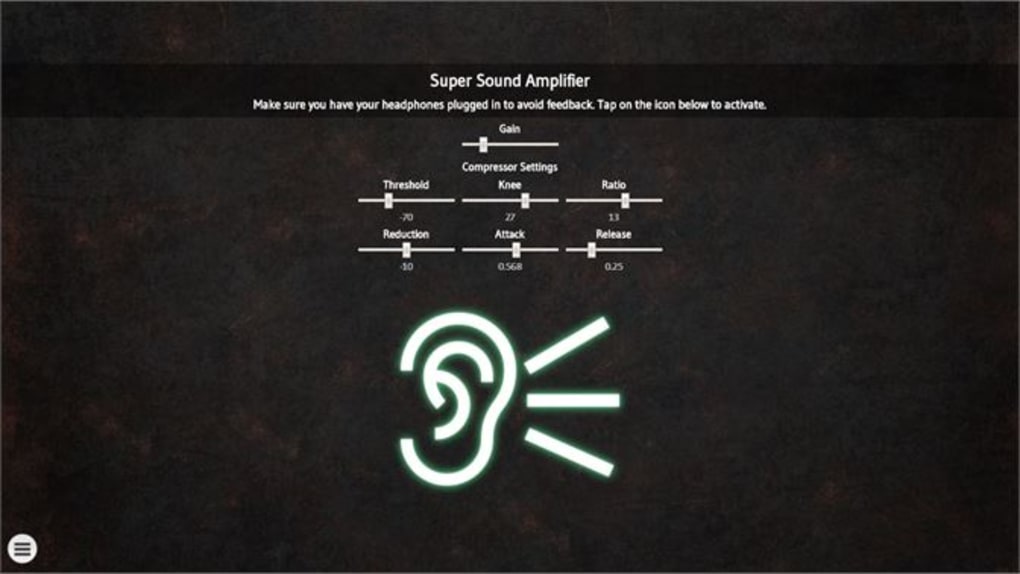
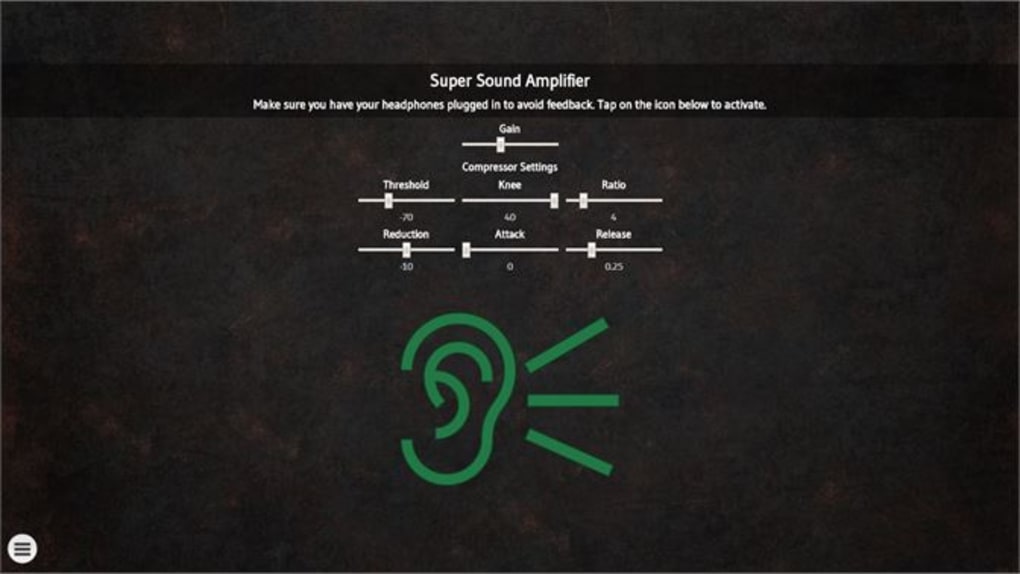
The intuitive interface makes it simple for beginners and pros alike to boost volume, enhance clarity, and enjoy rich, distortion-free audio. No more struggling with weak speakers or low-volume playback. This free software delivers professional-grade audio amplification without compromising system performance.
Powerful Audio Enhancement with Minimal System Impact
Super Sound Amplifier stands out in the crowded field of audio tools by delivering exceptional sound amplification without draining your device’s resources. At only 7 MB, it’s one of the smallest audio boosting applications available, making it ideal for users with limited storage space or older devices. Despite its compact size, the app leverages advanced audio signal processing algorithms to increase volume output up to 500%—a feature that’s especially useful in noisy environments like cafes, public transport, or shared workspaces. Unlike many competitors that introduce audio distortion at high volumes, Super Sound Amplifier maintains clarity and balance, ensuring your music, game sound effects, and voice calls remain crisp and natural.
One of the most impressive aspects of this software is its real-time processing. The app analyzes audio input as it streams, dynamically adjusting gain levels to prevent clipping and maintain audio integrity. This means you can crank up the volume without worrying about sudden spikes that ruin the listening experience. The app also supports multiple audio profiles, allowing users to customize amplification settings based on content type—such as music, movies, or voice calls. Whether you're a student using your laptop for online lectures or a gamer needing immersive sound for competitive play, Super Sound Amplifier adapts seamlessly to your needs.
Additionally, the software integrates smoothly with your device’s native audio system, requiring no complex configurations. After installation, the app runs in the background, automatically boosting all audio output without interrupting your workflow. The minimalistic design ensures that you can access key controls with just a few taps or clicks. For those who prefer keyboard shortcuts, Super Sound Amplifier supports customizable hotkeys, enabling instant volume boosts with a single press. This combination of performance, efficiency, and user-friendliness makes it a top choice among free audio tools.
Easy Installation & Cross-Platform Compatibility
One of the biggest advantages of Super Sound Amplifier is its straightforward installation process across all major operating systems. Whether you’re using Windows 10/11, macOS, Android, or iOS, the app is designed to be compatible and hassle-free to set up. On Windows and Mac, users can download the installer from the official website, run the file, and follow the on-screen prompts—typically taking less than two minutes. The installer does not require administrator privileges, making it suitable for both personal and office environments where software restrictions are common.
For mobile users, the app is available on the Google Play Store and Apple App Store. Simply search for “Super Sound Amplifier,” download the free version, and launch it. The mobile interface is optimized for touchscreens, featuring large, responsive buttons and clear visual feedback. Even users with limited technical knowledge can navigate the app with ease. Once installed, the app runs silently in the background, automatically enhancing audio output from all apps—including YouTube, Spotify, Zoom, and games.
Super Sound Amplifier also supports a wide range of audio output devices, including Bluetooth speakers, wired headphones, and built-in laptop or phone speakers. It works with both stereo and mono audio streams, ensuring consistent performance regardless of your setup. The app is particularly beneficial for users with older or low-powered devices that struggle to produce loud audio. By bypassing hardware limitations, it effectively turns any device into a high-output audio system. Whether you're on the go or at home, the app ensures you never miss a beat—literally.
Why Users Love Super Sound Amplifier: Pros & Cons
- Pros:
- Extremely lightweight at just 7 MB
- Boosts volume up to 500% without distortion
- Real-time audio processing with anti-clipping protection
- Supports Windows, Mac, Android, and iOS
- Intuitive interface with customizable hotkeys
- Free to download and use with no hidden fees
- Runs silently in the background
- Compatible with all audio apps and devices
- Cons:
- Advanced features require a trial version (Audio Amplifier Pro)
- No built-in equalizer or audio effects in the free version
- Some users may need to adjust system settings for full compatibility
- Not designed for professional audio production
- Mobile version may consume slightly more battery during extended use
Frequently Asked Questions (FAQ)
Is Super Sound Amplifier free to use?
Yes, Super Sound Amplifier is completely free to download and use. The core functionality—volume boosting, real-time audio enhancement, and cross-platform support—is available at no cost. While advanced features like custom equalization and audio effects are available in the trial version (Audio Amplifier Pro), the free version delivers powerful amplification without limitations.
Does Super Sound Amplifier work on all devices?
Super Sound Amplifier is compatible with Windows 10/11, macOS, Android (5.0+), and iOS (12.0+). It works with most audio output devices, including built-in speakers, headphones, Bluetooth speakers, and external audio interfaces. However, for optimal performance, ensure your device meets the minimum system requirements and has updated audio drivers.
Can I use Super Sound Amplifier while playing games or watching videos?
Absolutely. Super Sound Amplifier enhances audio output in real time, making it ideal for gaming, streaming videos, watching movies, or attending online meetings. It works seamlessly with popular apps like YouTube, Netflix, Spotify, Zoom, and gaming platforms such as Steam and Xbox Live.
Will Super Sound Amplifier cause audio distortion at high volumes?
No, the app includes intelligent anti-clipping technology that prevents distortion even when boosting volume up to 500%. It dynamically adjusts gain levels to maintain audio quality, ensuring clear sound without crackling or buzzing.
How do I update Super Sound Amplifier?
Updates are automatically checked for when you launch the app. If a new version is available, you’ll receive a notification. You can also manually check for updates via the app’s settings menu. Keeping the app updated ensures access to the latest performance improvements and security patches.
Final Verdict: A Must-Have Audio Booster for Everyday Use
Super Sound Amplifier delivers on its promise: a fast, secure, and reliable way to boost your audio output without sacrificing quality. Its minimal footprint, cross-platform support, and intelligent audio processing make it one of the most effective free audio tools available today. Whether you're a student, professional, gamer, or casual listener, this app enhances your listening experience across all devices.
While the free version lacks advanced audio editing tools, it excels in its core function—amplifying sound. For users who simply want louder, clearer audio without complexity, Super Sound Amplifier is the perfect solution. The app is safe to download, regularly updated, and trusted by thousands worldwide.
Ready to transform your audio experience? Download Super Sound Amplifier now and enjoy crystal-clear sound on any device—anytime, anywhere.







